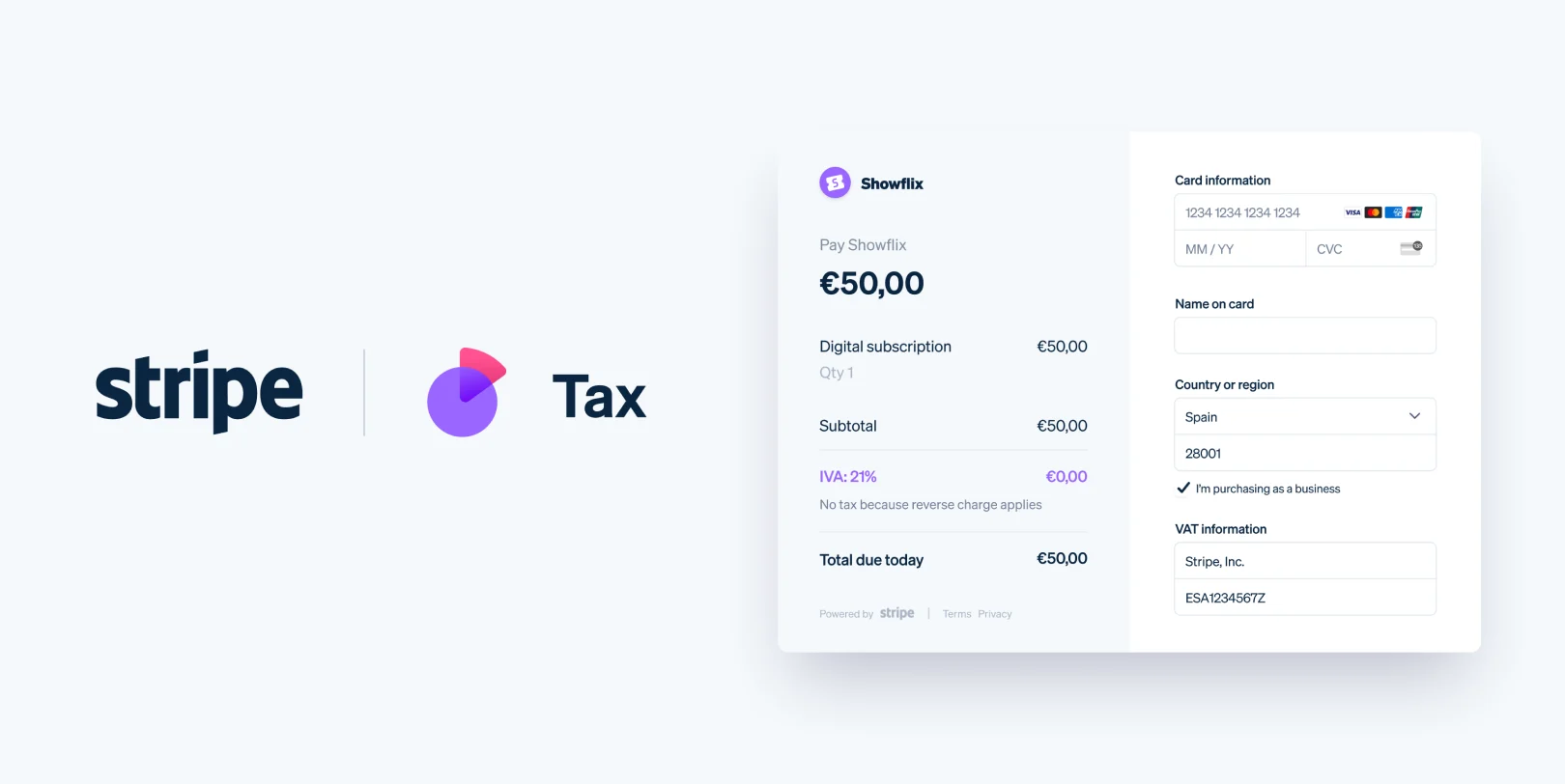
This release brings two significant capabilities: Stripe Tax integration for automated tax on lesson bookings, and the academy administrator role for delegating dashboard management without sharing owner credentials.
Stripe Tax for connected academies
CourtSync now integrates with Stripe Tax for platforms. When your connected academy's tax settings are active, lesson bookings automatically calculate and collect applicable tax at checkout.
How it works
Tax configuration lives in Payments → Tax:
- Head office address and preset tax code for your services
- Tax registrations by jurisdiction where you are registered to collect
When settings are active, PaymentIntents use the Stripe Tax Calculation API. Tax transactions record on payment success and reverse on refund. When settings are pending or not configured, bookings continue with subtotal-only pricing — no disruption to existing operations.

Important context
Your connected academy is the tax liable party. CourtSync does not own your tax registrations or determine whether tax is owed. Consult your accountant for registration requirements. Stripe Tax calculates based on your configuration and registrations.
Students see itemized tax at checkout when settings are active — subtotal, tax line, and total.
Full setup guide: Stripe Tax settings
Academy administrator role
Growing academies need help running the dashboard — but sharing the owner login is neither secure nor practical. The new academy administrator role provides delegated management with appropriate boundaries.
What administrators can do
Academy administrators share most owner dashboard access:
- Manage lessons, terms, camps, programs, courts, and locations
- View and manage students, coaches, and bookings
- Process lesson overrides, waitlist entries, EOIs, and refund requests
- Configure academy settings (except payments and deletion)
What administrators cannot do
To protect financial and structural integrity:
- Access payments, financials, or Stripe Connect
- Delete the academy
- Invite or remove other administrators
Only the academy owner retains these capabilities.

Plan limits
| Plan | Additional administrators |
|---|---|
| Starter | 0 (owner only) |
| Professional | Up to 2 |
| Enterprise | Unlimited |
Pending invitations count toward the Professional plan cap. Invite administrators from Academy Settings; they accept via /admin-invite/:token with the invited email.
Full guide: Inviting coaches and admins
Better together
Tax automation and delegated admin address different scaling challenges. Tax ensures compliance as booking volume grows. Administrators distribute operational workload so owners focus on strategy, coaching quality, and financial decisions.
Both features are available now on eligible plans. Configure Stripe Tax in Payments → Tax and invite your first administrator from Academy Settings.
We will continue expanding the administrator permission model based on owner feedback. Share your experience through support — it directly shapes what comes next.